Opening the Converter…

OBSCURA Converter
Convert files of every kind, on this device.
This browser’s Pro key was not accepted: the subscription behind it has ended. Renew or subscribe below.
The Converter onlyUS$4 a month, 7 days free EverythingUS$9 a month, 7 days free Sign in
US$4 a month or US$35 a year for the Converter, or US$9 a month or US$79 a year for everything. 7 days free. Stripe takes a card, and nothing is charged if you cancel before they end.
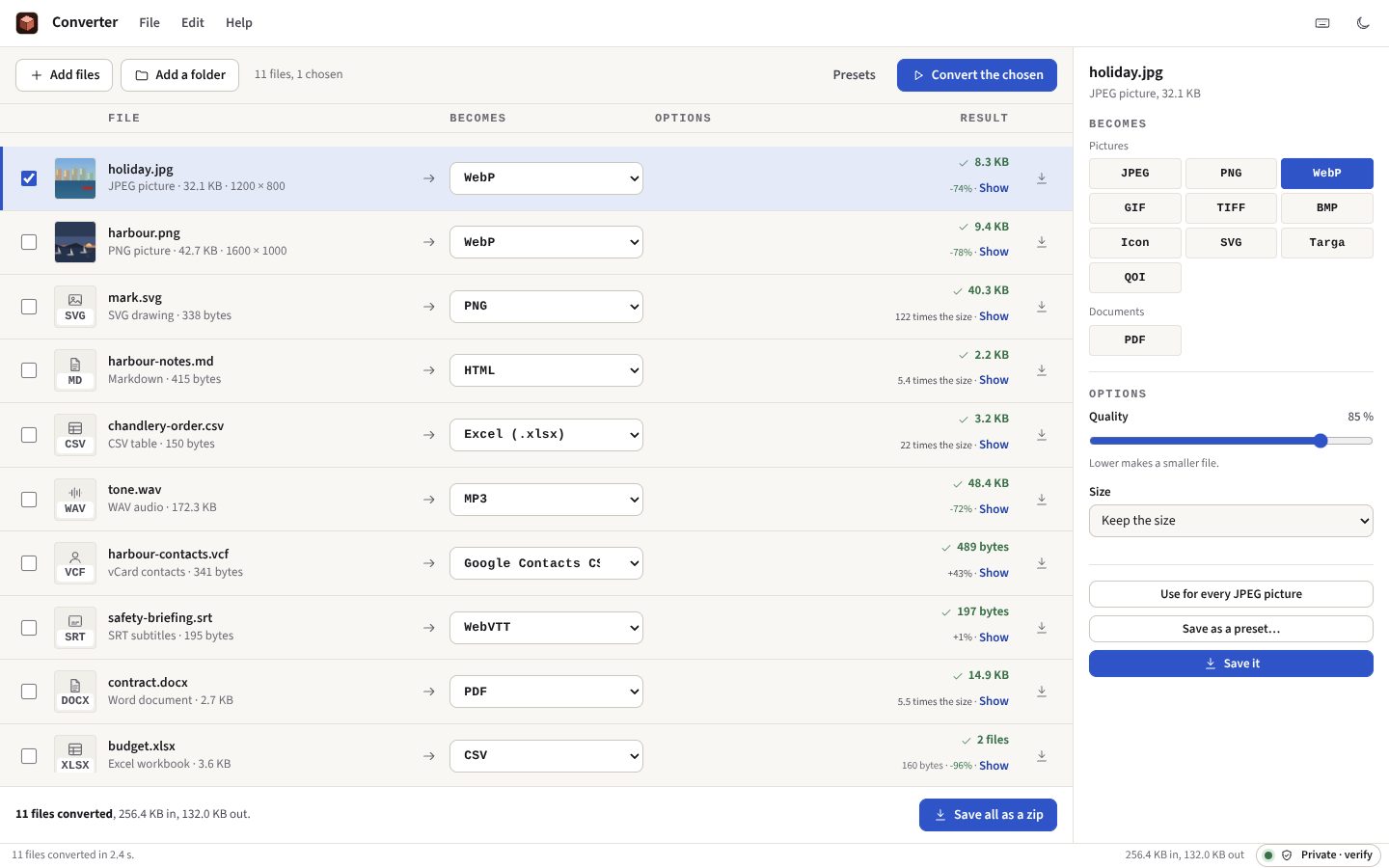
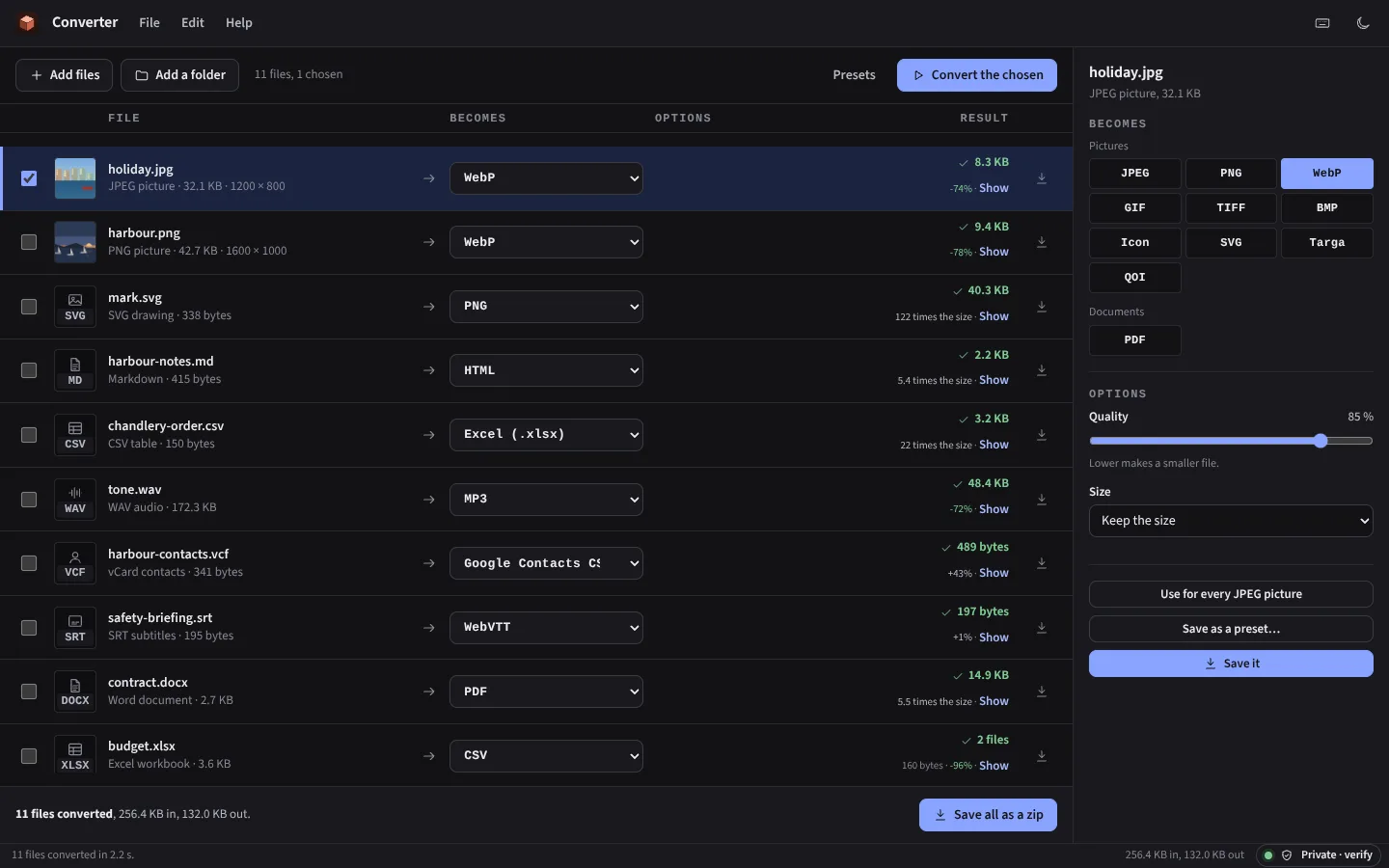
- Pictures, documents, spreadsheets, audio, video
- HEIC to JPEG, Word to PDF
- MOV to MP4 without re-encoding
- Whole folders at once
- A folder watched and converted
- Location taken out of photos
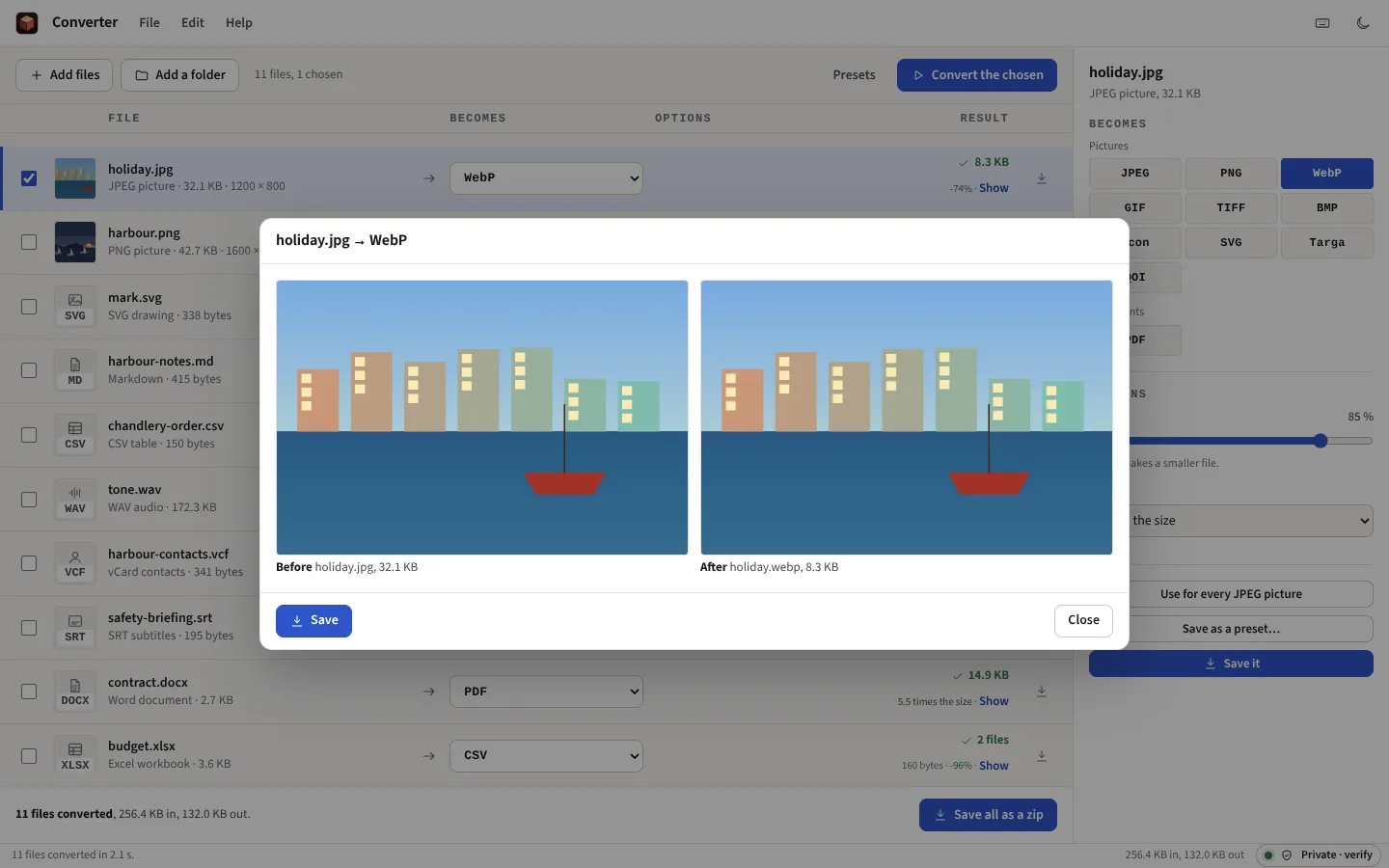
The Converter at work
Taken from the Converter itself, with the site’s sample files and the invented ones it makes for itself.

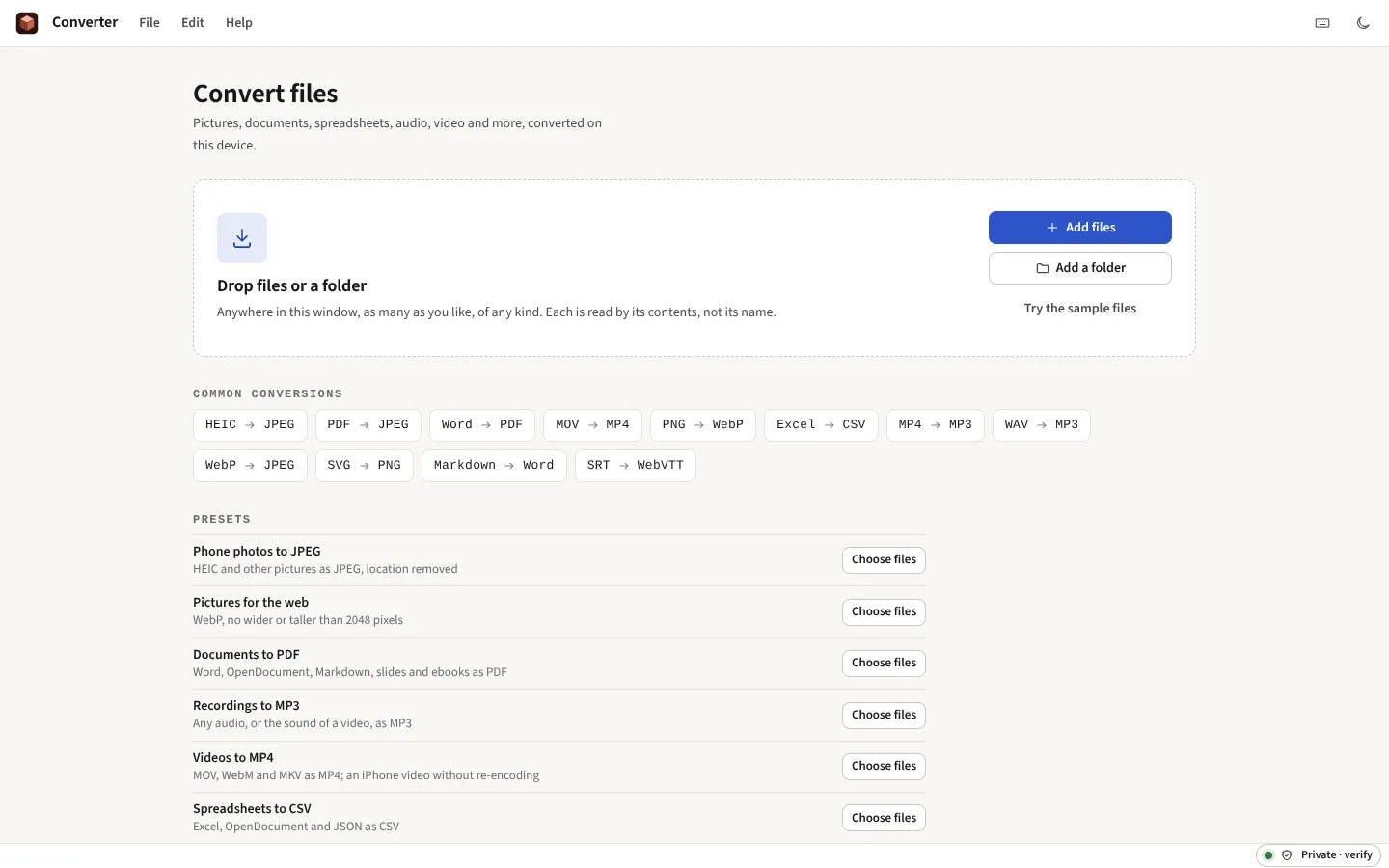

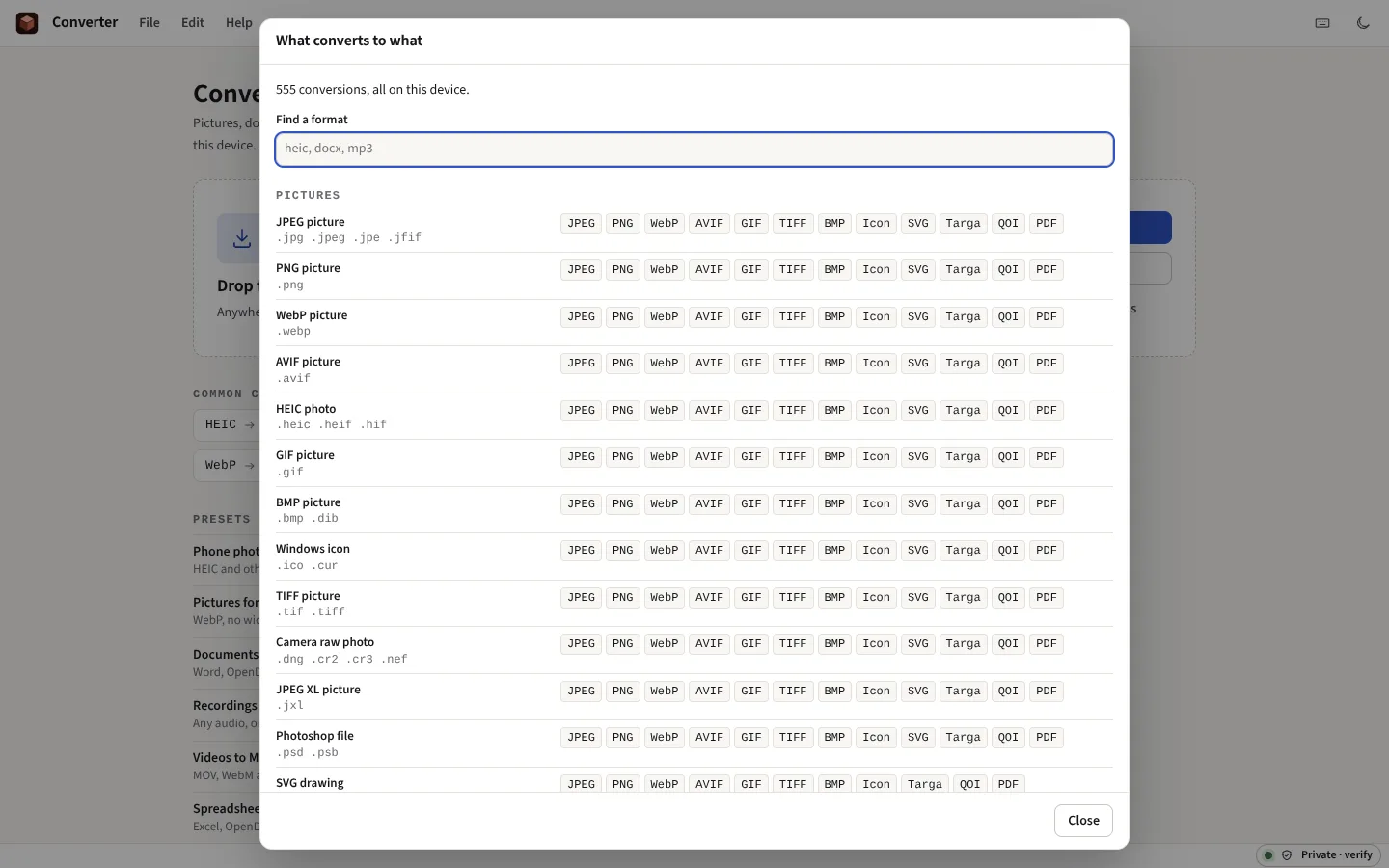

Everything it does
Pictures, documents, spreadsheets, audio and video, turned into the format you need, one file or a folder of thousands. Nothing is uploaded. Each file is known by its contents, not its name, and set to what it is most often wanted as; presets for the commonest jobs; an iPhone video made an MP4 without re-encoding; and the results saved as one zip or straight into a folder.
Before you start: Old .doc and .xls files, Apple Pages, Numbers and Keynote are not read, and a document converted between formats keeps its words, not every detail of its layout. What else it does not do
What it converts
Pictures
HEIC, JPEG, PNG, WebP, AVIF, GIF, BMP, TIFF, icons, camera raw (the full-size picture the camera stored inside), JPEG XL, Photoshop, SVG, Targa and QOI, to JPEG, PNG, WebP, AVIF where the browser writes it, GIF, TIFF, BMP, an icon, Targa, QOI, a traced SVG or a PDF. Resized, with the location taken out.
Documents
Word, OpenDocument, RTF, Markdown, HTML, plain text, EPUB and PDF, to PDF, Word, OpenDocument, Markdown, HTML, text, RTF or EPUB. PowerPoint and Excel to PDF; a PDF’s pages to pictures, a deck or a spreadsheet; the preview inside a Pages file to PDF.
Spreadsheets and data
Excel, OpenDocument, CSV, TSV, JSON, JSON lines, XML and SQLite, to any of those, SQL inserts, or a Markdown or HTML table, with numbers, dates and codes such as 007 kept as they are.
Audio
MP3, WAV, FLAC, Ogg, AAC, AIFF and the sound of a video, to MP3, WAV, AAC, FLAC, Opus or AIFF, at a new rate, in mono or stereo, with the loudness evened out for a podcast or a platform.
Video
MOV, MP4, WebM and MKV to MP4, MOV or WebM: an iPhone video without re-encoding, its location taken out, or made smaller. To an animated GIF, to stills every few seconds, or to one contact sheet.
And the rest
Fonts between TTF, OTF, WOFF and WOFF2; contacts between vCard, Google and Outlook CSV; calendars to and from CSV; GPX, KML, TCX and GeoJSON; SRT, WebVTT, SubStation and YouTube subtitles, retimed if you want; zip, 7-Zip, RAR, tar and gzip to zip or tar, or their files taken out; STL, OBJ, PLY, glTF, 3MF and STEP models.
One file, free
The single converters, such as Word to PDF and raw to JPEG, are free to open a file in and check the result. The Converter is for when you have many files, many kinds, or a folder to keep converting.
What it cannot do
Said now, so that nobody pays to find out.
- Not every old format. Old .doc and .xls files, AVI, Apple Numbers and Keynote are not read; a Pages file only through the preview Pages saves inside it.
- A document keeps its words, not every detail of its layout. A PDF is set in the site’s own typeface; a PDF made into Word or text comes back as its words, headings and lists, and a scanned page is not read (OPTIC does that).
- Camera raw is not developed. The picture taken is the full-size one the camera stored inside the file.
- Video needs a recent browser. Re-encoding uses the browser’s own encoders, in Chrome, Edge or Safari 17 and later; making an iPhone video an MP4 without re-encoding works anywhere. A re-encoded video keeps its first picture and sound tracks only.
- JPEG XL is read, not written, and AVIF and AAC are offered only where the browser has their encoders.
- Memory is the limit. Everything happens on this device, so a very long recording or a very large picture can be more than it holds; the Converter says so rather than failing quietly.
- Formulas become values. A spreadsheet converted keeps each cell’s last saved value, not its formula, formatting or charts.